The zoom app for Android
Every detail.
Every pixel.
The interesting part of a photo is often tiny. 199x Zoom Cam lets you zoom in until single pixels show, then read their colour or measure what you see.


- Free
- Photos stay on your device
- No account needed
Coming to iPhone soon.
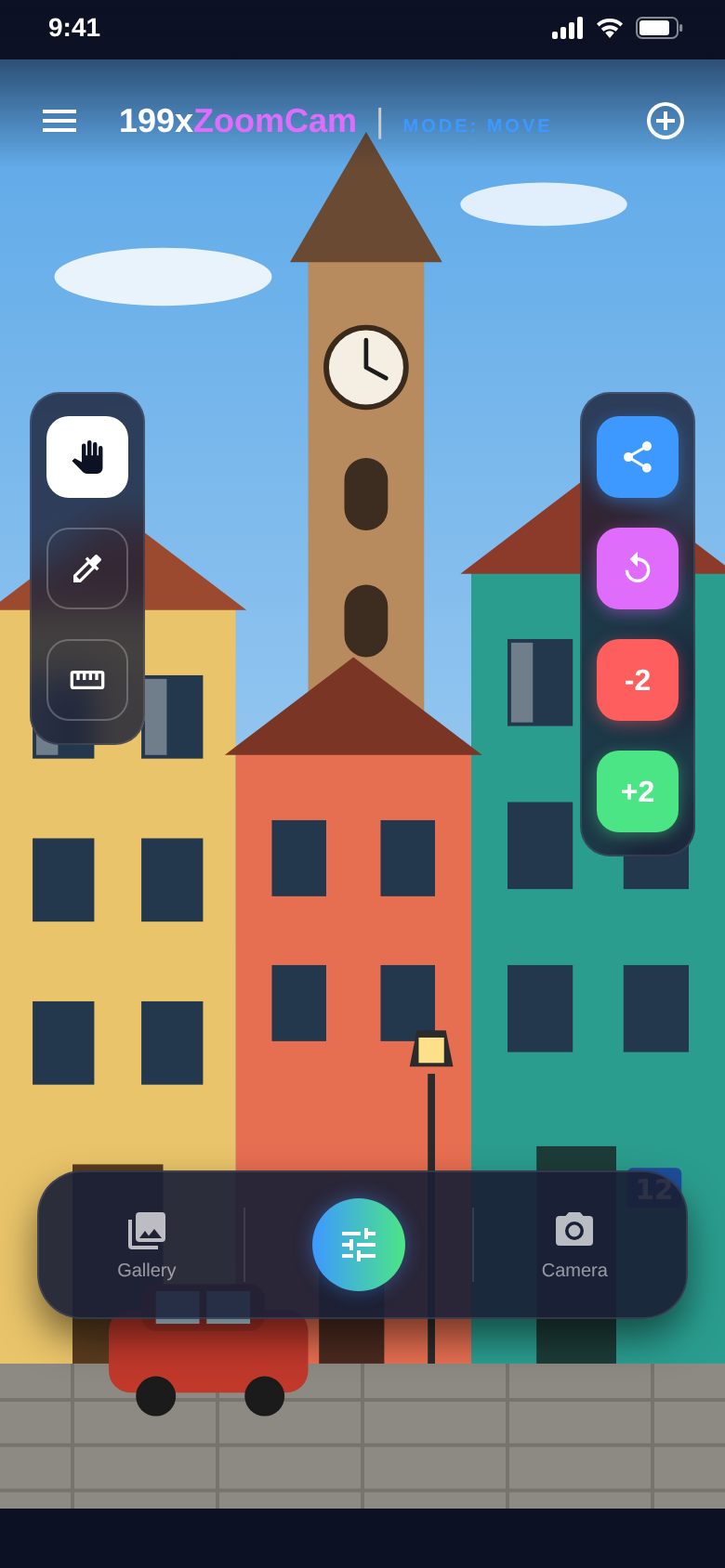
Deep zoom
Zoom in. Read it.
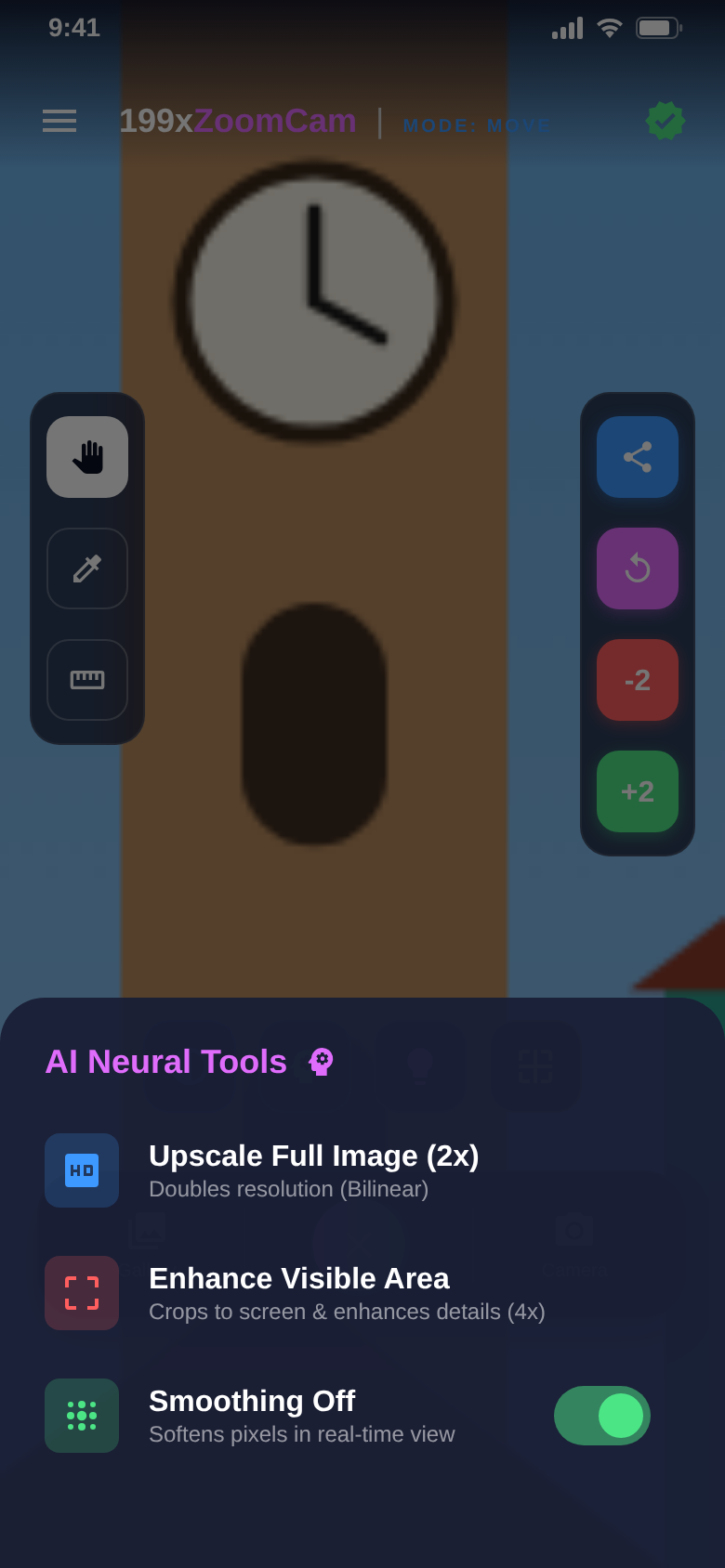
Pinch to zoom and drag to frame the detail. The +2 and −2 buttons double or halve the zoom with one tap.
Pixels keep hard edges instead of turning into mush. Reset shows the whole picture again.
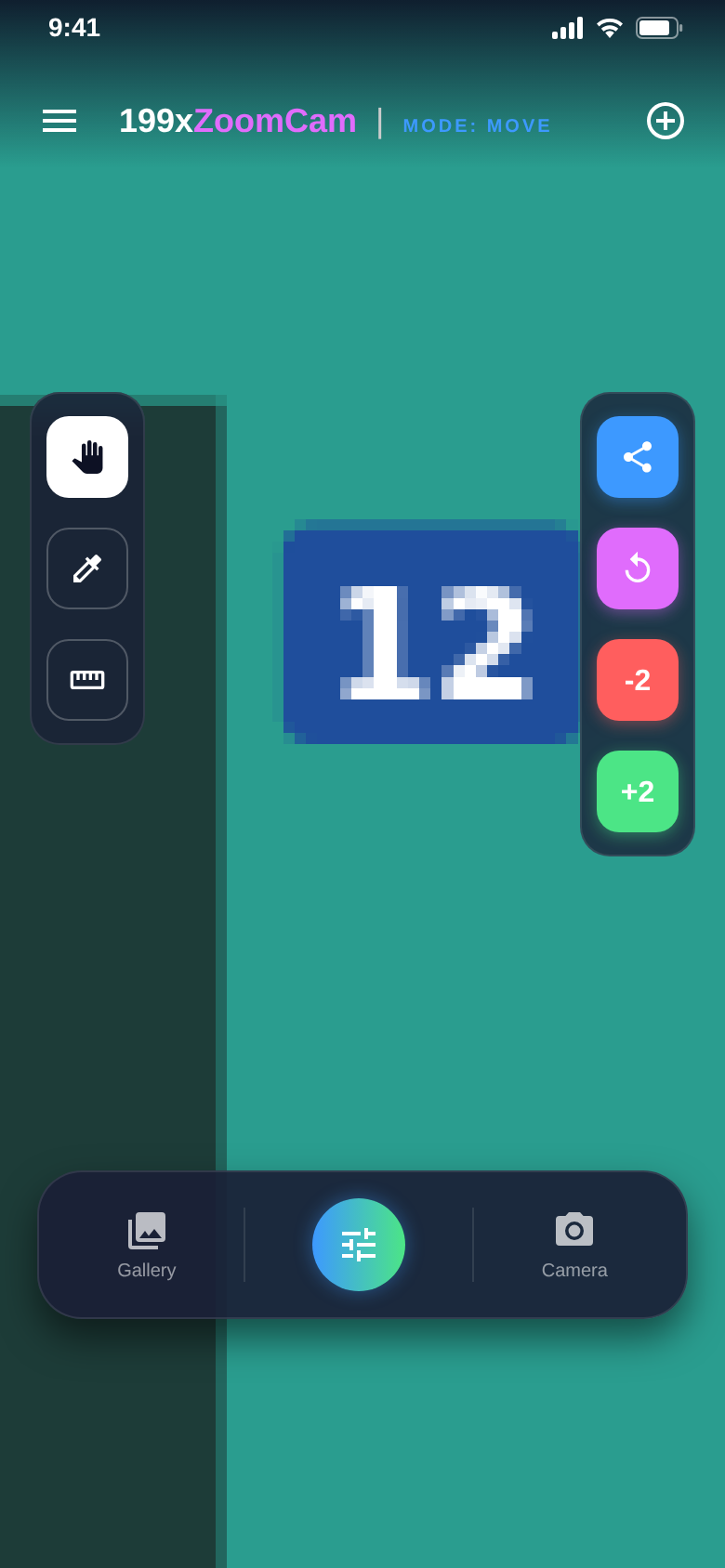
Pipette
Tap a pixel. Get its colour.
In inspect mode the app shows the exact colour under your finger as a HEX code and RGB values.
Useful when you want to match a colour from a photo in a design.
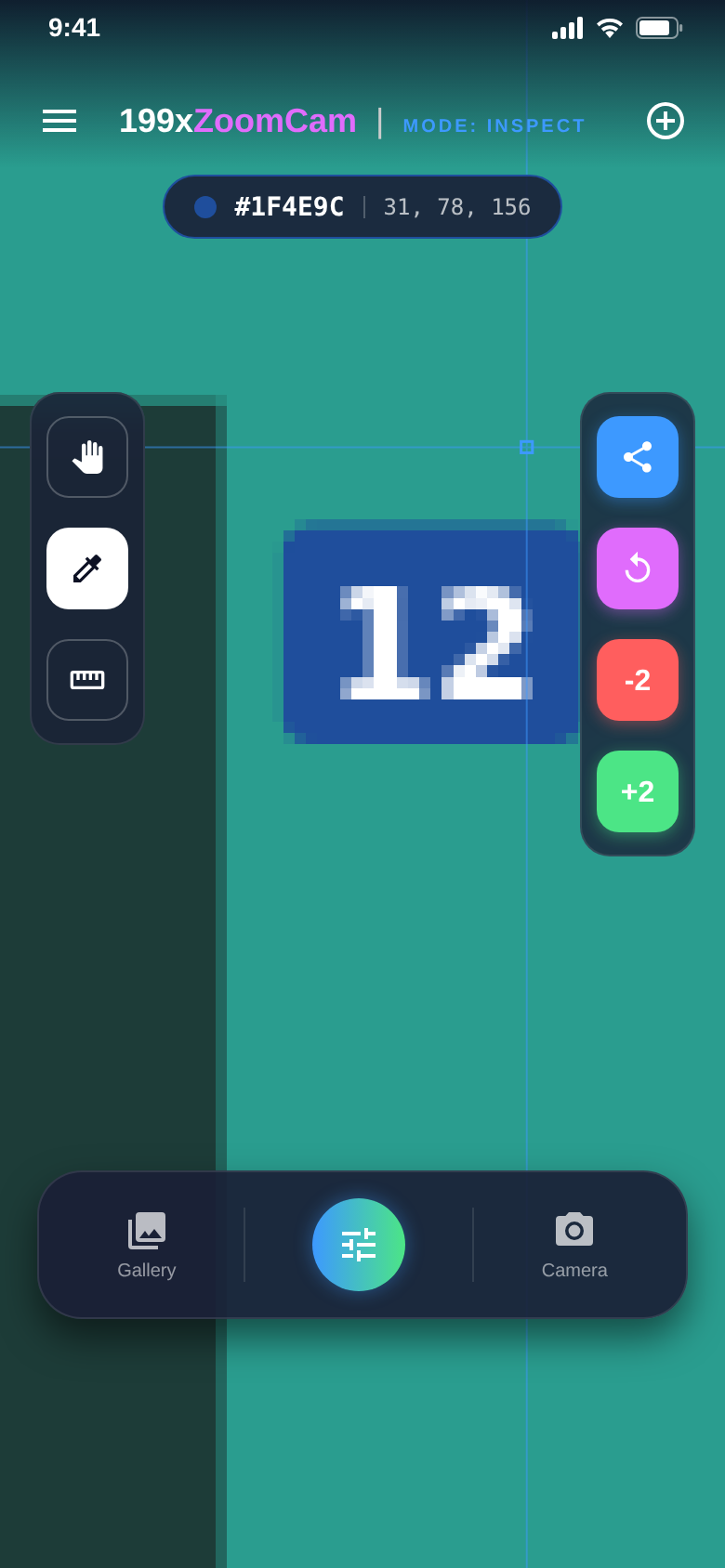
Photos are pixels.
Now you can see them.
199x Zoom Cam is a digital magnifier for the pictures on your phone.
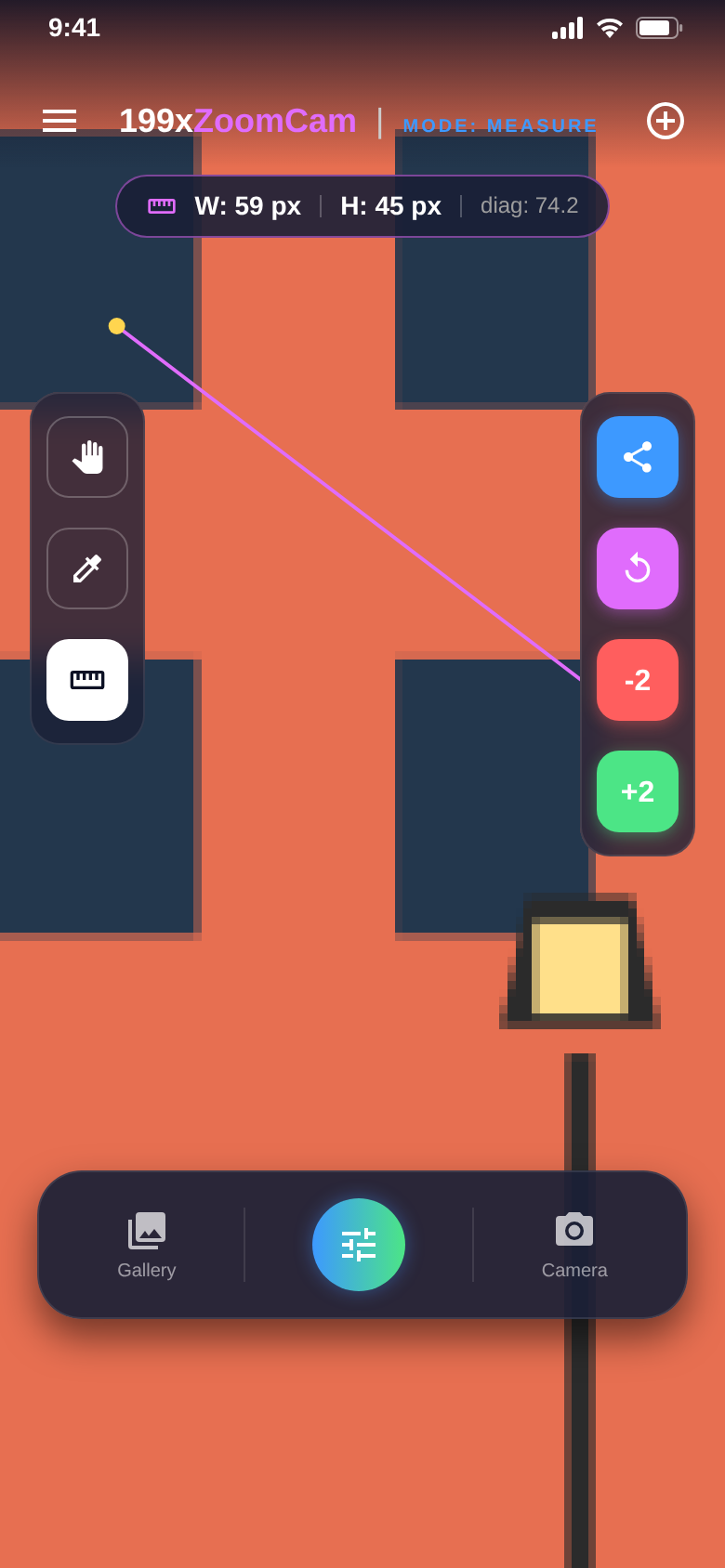
Measure
Measure distances in pixels.
Set a start and an end point. Width, height and diagonal appear right away.
Points snap to the pixel, so the numbers stay exact at any zoom level.
Premium tools
Bigger, softer, clearer.
Upscale the full image 2× or enlarge just the visible area 4×. Smoothing softens hard pixel edges in real time.
Part of Premium, or free for 24 hours after a short video.
The difference
Look closer, not harder.
- Squinting at a tiny detail in the photoZoom in until single pixels show
- Guessing a colour by eyePipette shows HEX and RGB values
- Holding a ruler against the screenWidth, height and diagonal in pixels
- Uploading photos to an online upscaler2× and 4× enlargement on your phone
- Hard pixel steps at high zoomReal-time smoothing with one switch
And a lot more.
Camera or gallery
Take a new photo or open any picture already on your phone.
Pixel grid
A grid over the image shows where one pixel ends and the next begins. With Premium.
Contrast & brightness
Two filters bring out details in flat or dark areas. With Premium.
Smart smoothing
Switch between raw pixels and a smoothed view while you zoom. With Premium.
Share the image
Send the picture to any app on your phone with one tap.
Premium your way
Monthly, yearly or lifetime. Or free for 24 hours after a short video.
Quick questions.
Who is 199x Zoom Cam for?
What does 199x Zoom Cam cost?
How does 199x Zoom Cam make money?
Is 199× an optical zoom?
Can I zoom photos I already have?
What do the AI Neural Tools do?
Do my photos leave my phone?
Which devices and languages are supported?
Get 199x Zoom Cam.
Open a photo, zoom in, tap a pixel. Done.
Free for Android.